
Table of Contents:
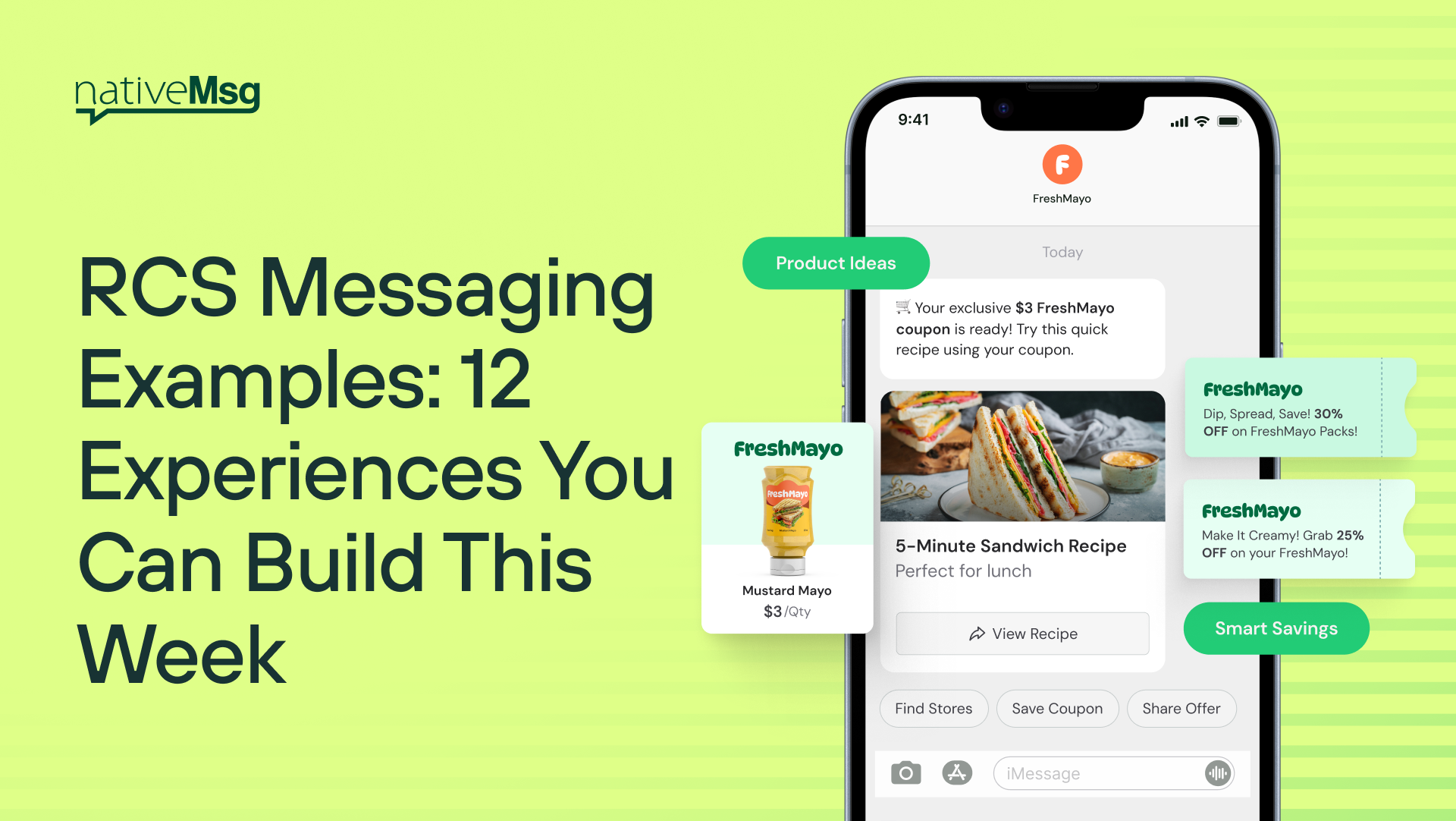
An RCS message is a text from a verified brand that can include your logo, images, video, product carousels, and tappable buttons, all inside the phone's default messaging app. The best way to understand what that makes possible is to see it in action.
Below are 12 RCS messaging examples, split into two groups: inbound experiences, where the customer starts the conversation, and outbound experiences, where your brand reaches out. Each one includes the formats it uses, what triggers it, and a plain-language prompt you can paste into our ExperienceAI to build it yourself, free.
What makes a good RCS messaging example?
The strongest examples share three traits:
- The customer can finish the task in the thread. Confirming, choosing, paying, or asking happens right there, without a link to a website.
- Every tap moves toward an outcome. Buttons replace open-ended "reply YES" instructions.
- The sender is recognizable. A verified brand name and logo tell the customer who's talking before they read a word.
Inbound RCS examples: when the customer starts the conversation
1. QR code to offer
What happens: A shopper scans a QR code on signage, packaging, or a receipt. A branded conversation opens with an image card showing today's offer and two buttons: "Save my offer" and "Shop now." Opt-in is captured in the flow.
Formats: image card, quick-reply buttons, consent capture
Why it works: It replaces a landing page with a conversation, and the customer ends up on your list without filling out a form.
Try it: "When someone scans the QR code, welcome them, show a 15% off offer with a product image, ask if they want to save it, and ask for permission to send future offers."
2. Ad click to conversation
What happens: Someone taps a click-to-message ad. Instead of a webpage, they get a carousel of the products from the ad and quick replies like "Compare these" or "Ask a question."
Formats: carousel, quick-reply buttons, conversational AI
Why it works: It picks up the moment of interest where the customer is already looking. Our post on what should happen after the ad click goes deeper.
Try it: "Greet the customer, show a carousel of three featured products, and let them ask questions or pick one to learn more."
3. Lead qualification without a form
What happens: Three tap-to-answer questions (company size, timeline, main goal) route the lead. Qualified leads get a "Book a time" button, and everyone else gets a helpful resource.
Formats: quick-reply buttons, branching, calendar action
Why it works: Tapping three buttons takes seconds. A seven-field form often gets abandoned.
Try it: "Ask three multiple-choice questions to qualify the lead, then offer a meeting booking to qualified leads and a free guide to everyone else."
4. "Text us" support
What happens: A customer taps "Text us" on your site or in an email footer. They can check order status, start a return, or ask a question, with a handoff to your team when needed.
Formats: quick-reply menu, conversational AI, live agent handoff
Why it works: Common questions get answered instantly, and the complex ones reach a person with context attached.
Try it: "Offer three options: check an order, start a return, or talk to someone. Ask for the order number when needed and hand off to support if the customer asks for a person."
Outbound RCS examples: when your brand reaches out
5. Appointment reminder
What happens: A day before the appointment, the customer gets a branded reminder with the time, location, and three buttons: Confirm, Reschedule, Cancel. Cancellations can automatically offer the slot to a waitlist.
Formats: card, quick-reply buttons, calendar action
Why it works: One-tap reschedule turns a potential no-show into a slot you can refill. More on that in How to Stop Losing Revenue to No-Shows.
Try it: "Remind the customer of their appointment tomorrow with the time and address, and give them buttons to confirm, reschedule, or cancel."
6. Delivery update
What happens: A tracking card shows the order, the delivery window, and a "Track package" action, plus an optional add-on suggestion related to what they bought.
Formats: card, suggested actions, carousel
Why it works: Customers open delivery updates. A verified sender makes them trustworthy, and a relevant add-on makes them profitable.
Try it: "Tell the customer their order has shipped, show the delivery date and a tracking button, then suggest two related products."
7. Limited-time offer
What happens: A carousel of sale items, each with a "Shop" button, plus a "Remind me before it ends" quick reply.
Formats: carousel, quick-reply buttons, scheduled follow-up
Why it works: The customer can browse the offer inside the thread, and the reminder is something they asked for.
Try it: "Announce a 48-hour sale with a carousel of four products and add a button that sends a reminder before the sale ends."
8. Cart reminder
What happens: An hour after checkout is abandoned, the customer sees the product image, price, and a "Complete checkout" button.
Formats: image card, suggested action
Why it works: Showing the actual product is a stronger reminder than a line of text.
Try it: "Remind the customer about the item left in their cart with the product image and price, and add a button to finish checking out."
9. Payment reminder
What happens: A verified message from your brand says a payment didn't go through, with "Update card" and "Pay now" buttons.
Formats: card, suggested actions
Why it works: Payment requests are exactly the texts consumers are trained to distrust. A verified brand identity is what gets this one acted on.
Try it: "Let the customer know their payment didn't go through, show the amount due, and give them buttons to update their card or talk to billing."
10. Account alert
What happens: "New sign-in from a new device. Was this you?" with Yes and No buttons. "No" starts a secure next step.
Formats: quick-reply buttons, branching
Why it works: A one-tap answer is faster than a phone call and clearer than a link.
Try it: "Alert the customer about a new sign-in, ask if it was them with Yes and No buttons, and if they say No, guide them to secure their account."
Two-way RCS examples: conversations that keep going
11. Tap-to-answer survey
What happens: After a purchase or visit, the customer rates the experience from 1 to 5 by tapping, then answers one follow-up question based on their score.
Formats: quick-reply buttons, branching
Why it works: Answering takes seconds, so more customers finish.
Try it: "Ask the customer to rate their experience from 1 to 5. If they choose 4 or 5, ask for a review. If they choose 1 to 3, ask what went wrong."
12. One-tap reorder
What happens: "Running low? Reorder your usual?" with the product image and "Reorder" and "Change my order" buttons.
Formats: image card, quick-reply buttons
Why it works: Repeat purchases take one tap, and "Change my order" keeps the conversation open.
Try it: "Ask the customer if they want to reorder their last purchase, show the product image, and give them buttons to reorder or change the order."
What do all these RCS examples have in common?
- Verified brand identity. Every message arrives with your logo and business name.
- No app to download. Everything happens in the phone's default messaging app.
- Automatic fallback. When a device can't receive RCS, nativeMsg sends the message as SMS or MMS, so your whole list is covered. About 90% of the US is RCS capable today.
Frequently asked questions
What is an example of an RCS message?
An appointment reminder from a verified brand, showing the brand's logo, the appointment details, and Confirm, Reschedule, and Cancel buttons, is a simple RCS message example.
What formats can RCS messages include?
Images, video, audio, PDFs, cards, carousels, quick-reply buttons, and suggested actions such as calendar events or directions.
Do RCS messages work on iPhone?
Yes. Recent iPhones and most Android phones support RCS.
Can I build these examples without a developer?
Yes. Paste any of the prompts above into ExperienceAI and it builds the flow in the visual builder, where every step stays editable.
Build your first example free
Pick one example, paste the prompt into ExperienceAI, and tap through it on your own phone in minutes. No card and no sales call.