Creator
Design interactive messages that your customers engage with
Build rich messaging experiences with drag-and-drop tools. Create carousels, buttons, and media-rich messages that drive engagement.






Features
Everything you need to design, test, and deploy interactive messaging campaigns

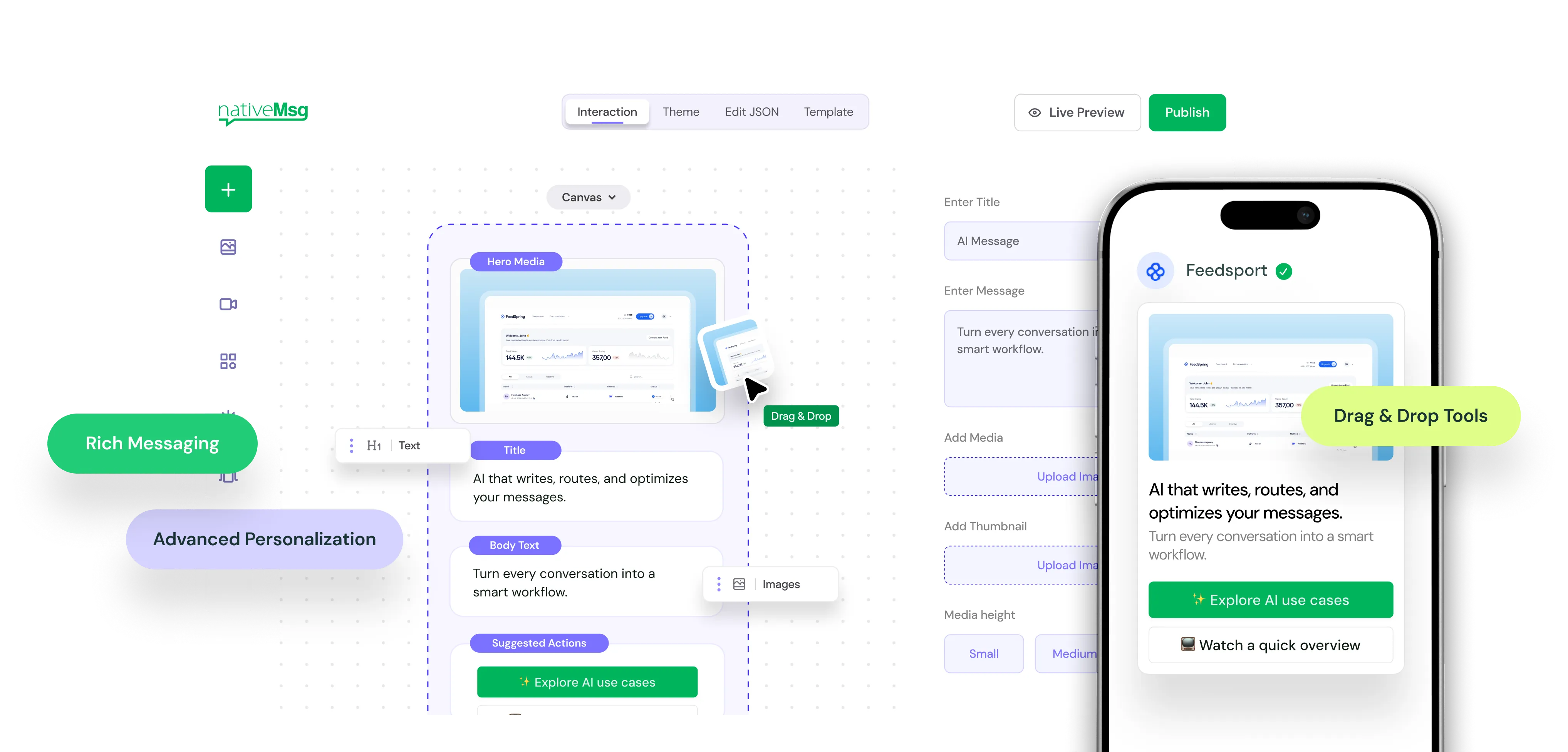
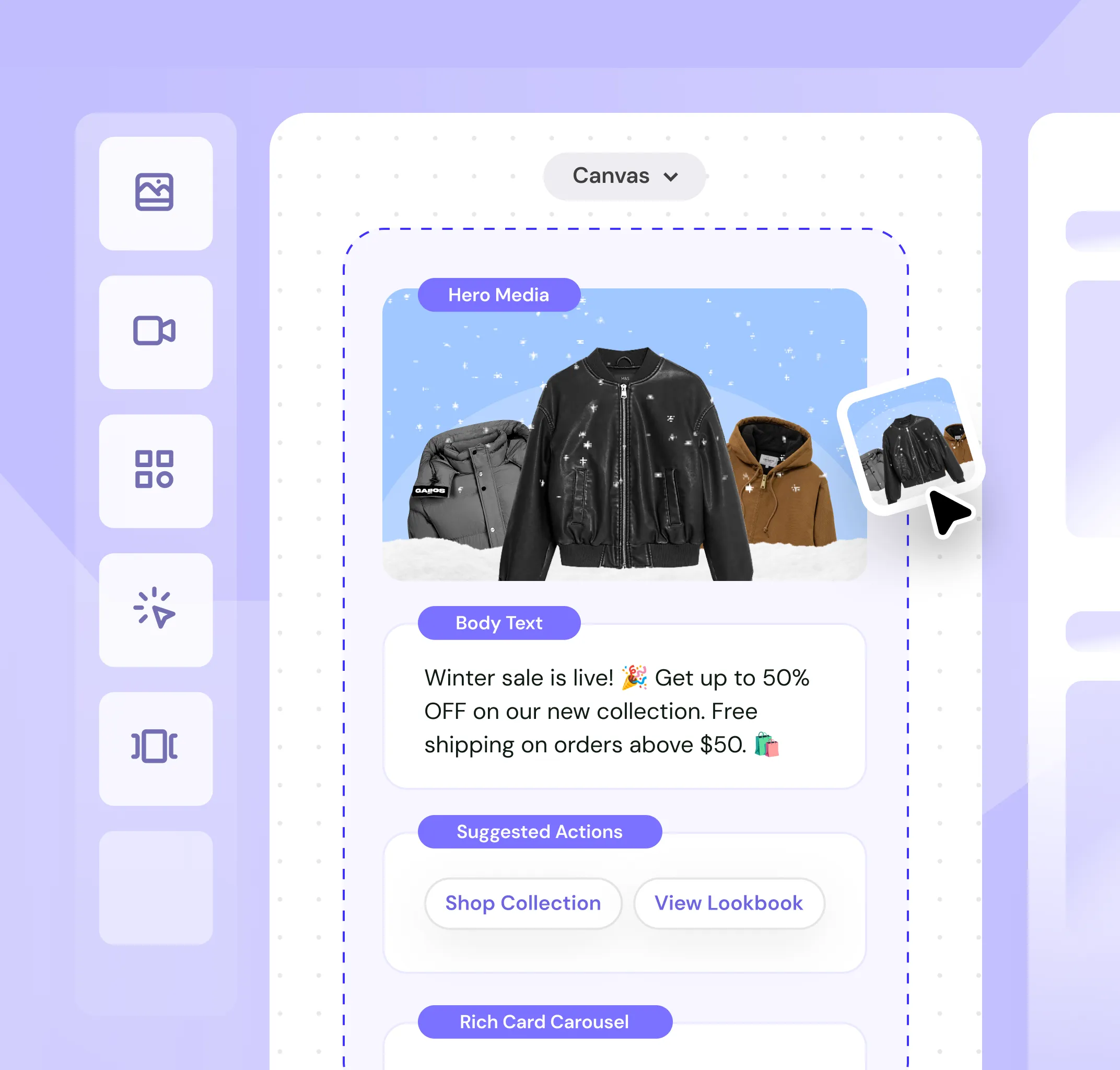
Design messages with drag-and-drop tools
Build rich messaging experiences without writing code. Add images, videos, carousels, buttons, and forms with visual editing. Rearrange components. Configure properties. Preview instantly.
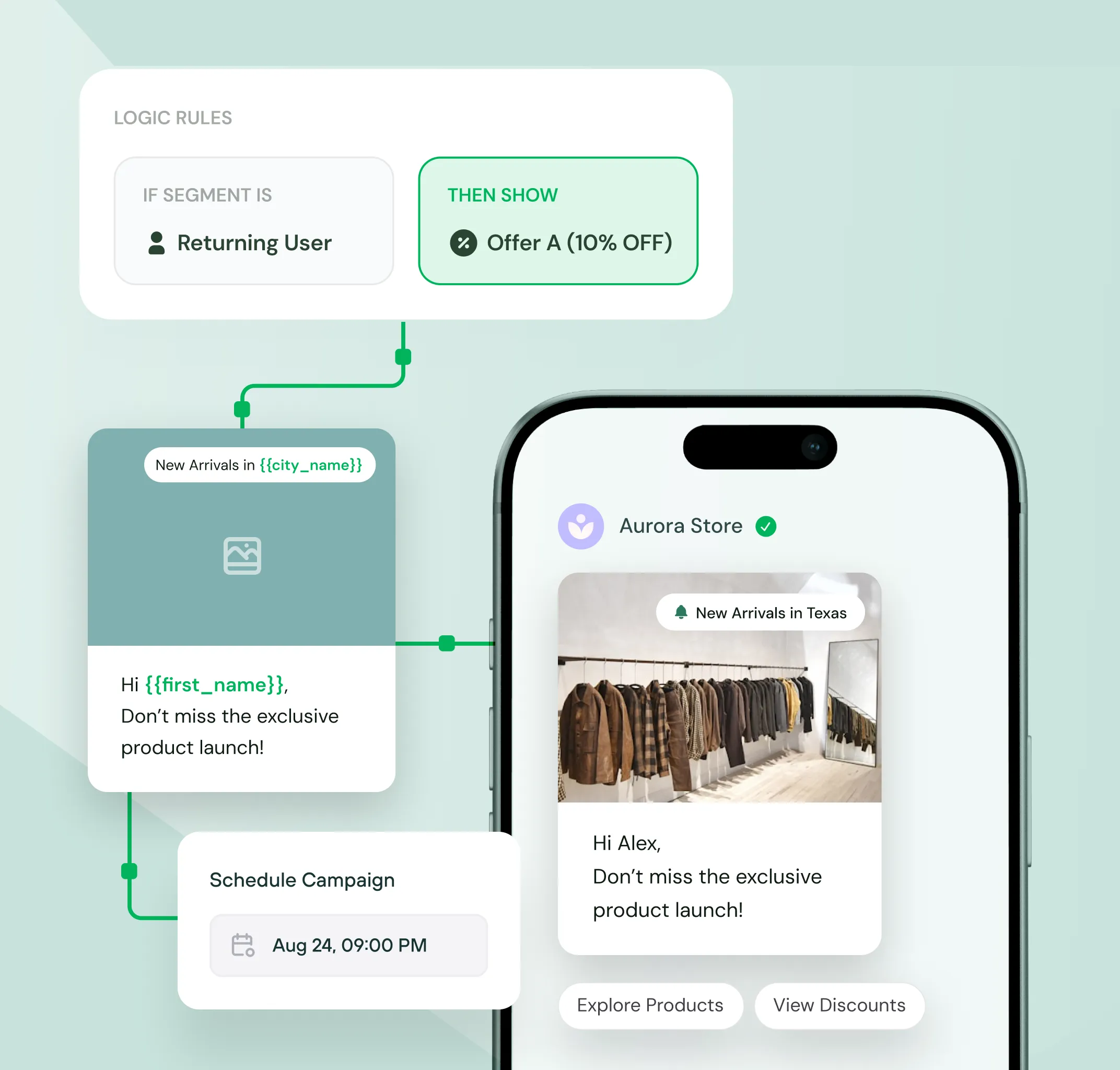

Scale one-to-one communication with dynamic content
Insert customer data with merge fields. Show different content by segment. Personalize offers, product recommendations, and messaging based on behavior or demographics.

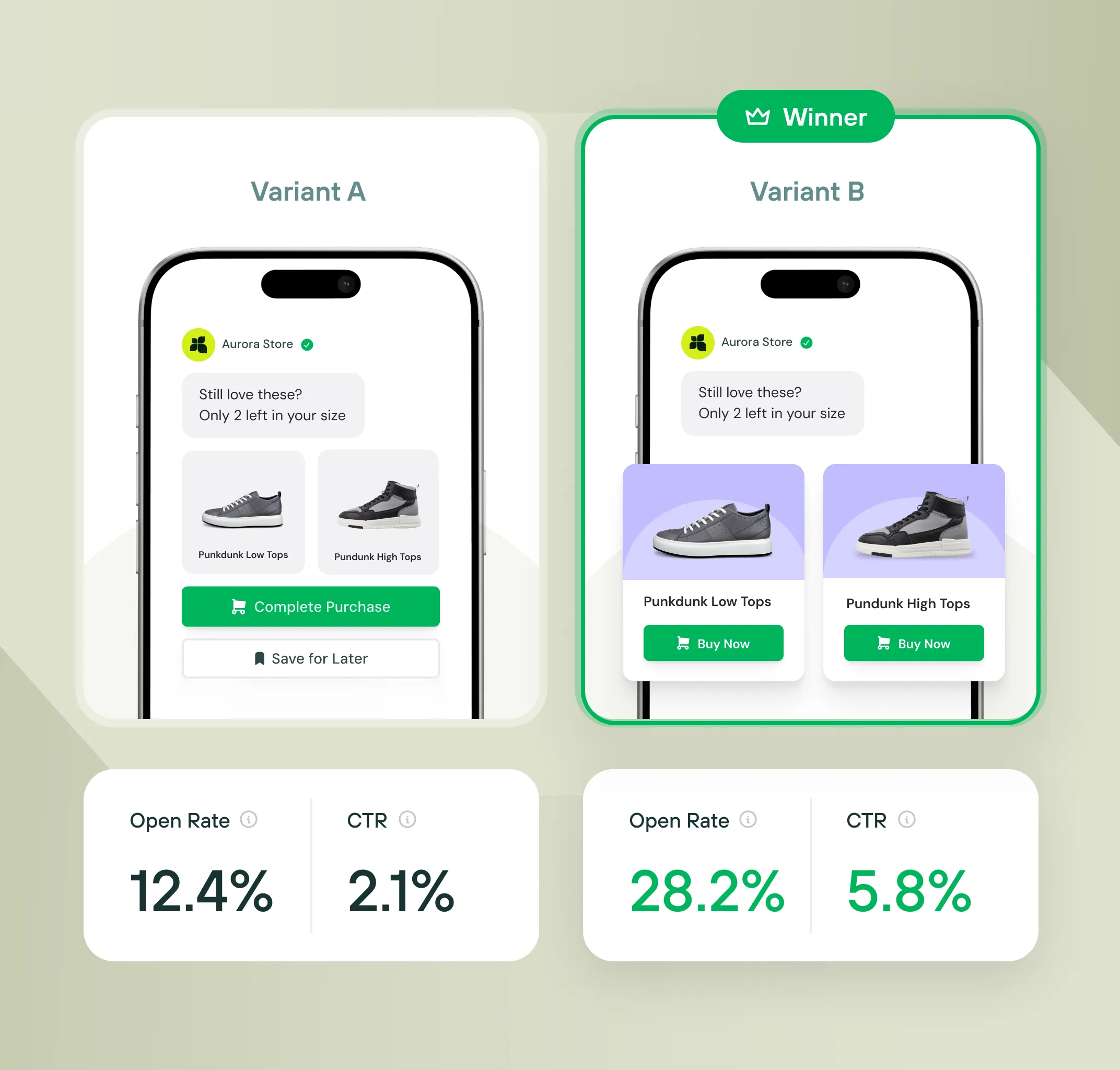
Optimize campaigns before full rollout
Test message variations to find what performs best. Compare images, copy, CTAs, or entire flows. Deploy winning messages to the full audience.
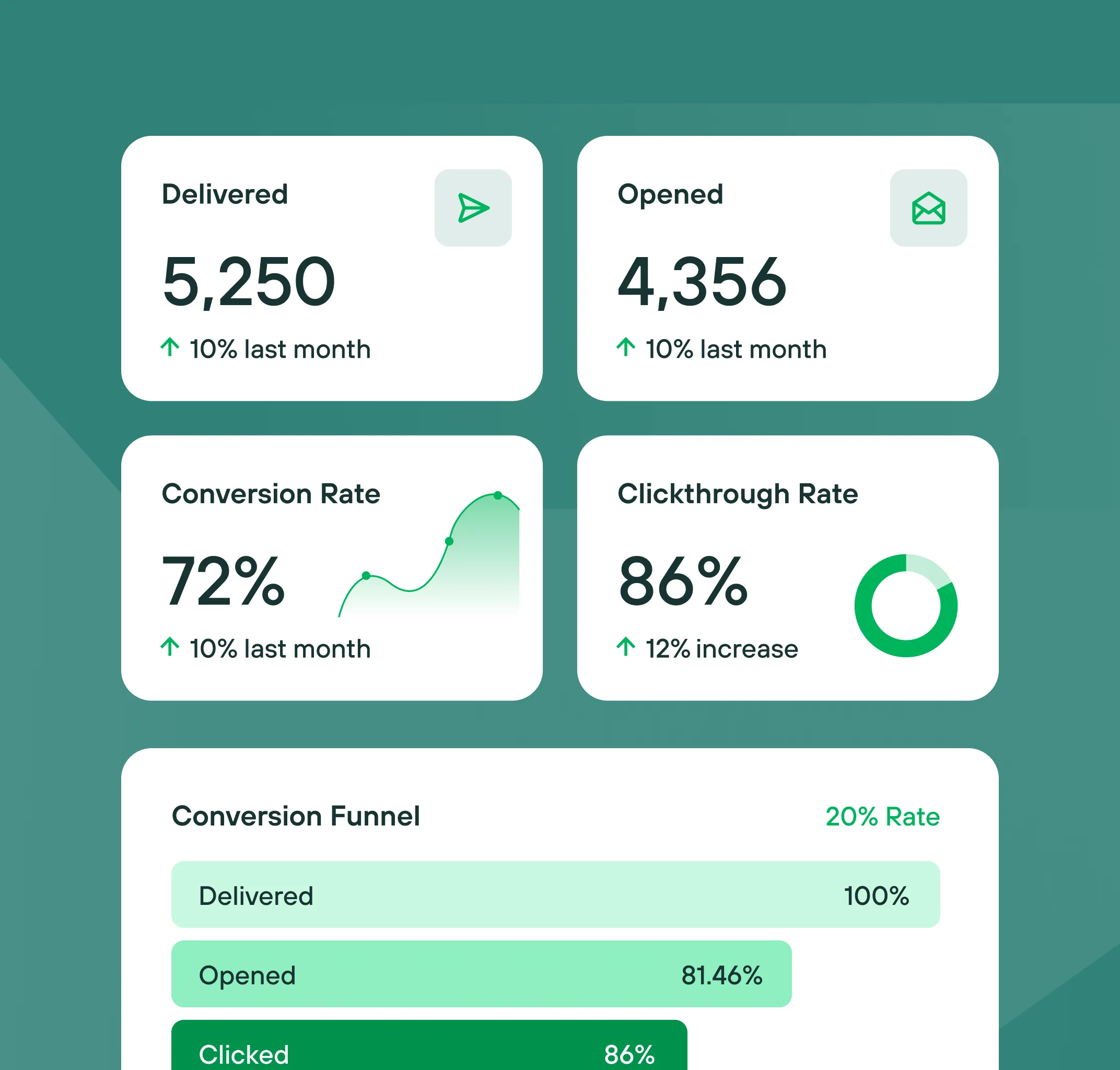

Track performance in real-time
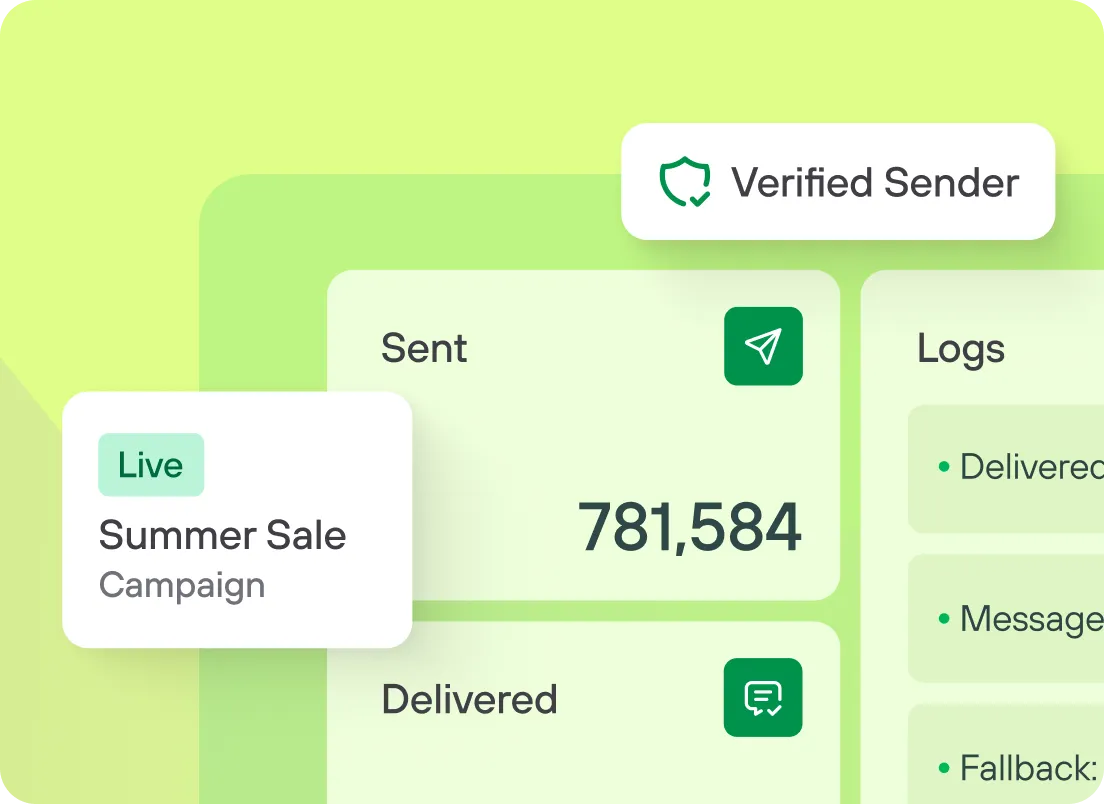
Monitor campaign metrics as messages deliver. Track opens, clicks, conversions. Compare campaign performance. Export reports or integrate with your data warehouse.
Advanced Features
Tools for building and launching messaging campaigns
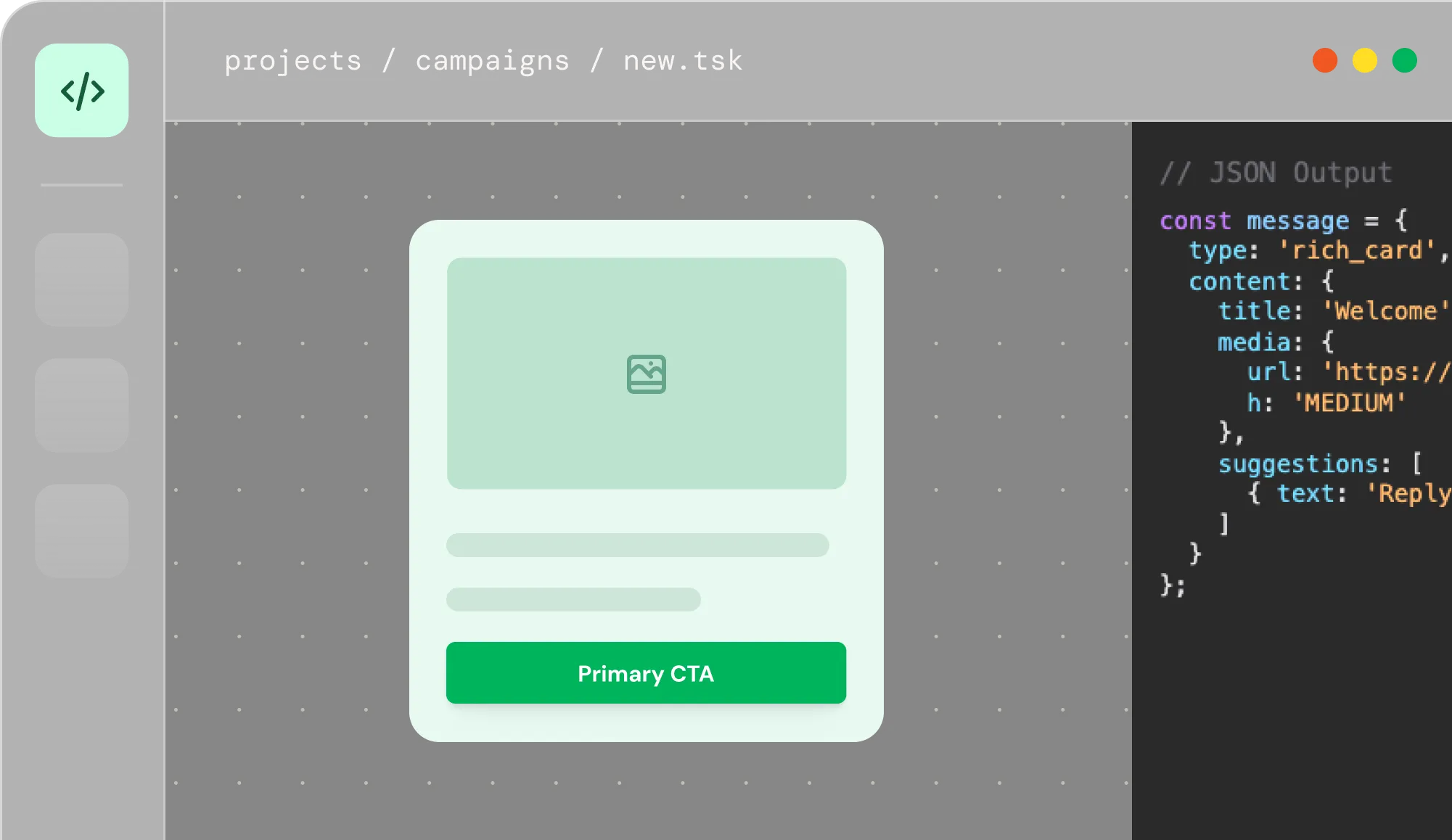
Embedded
Integrate RCS for Business directly into your platform. Let your customers design messages in your UI. Creator generates JSON your backend sends to Cloud API.
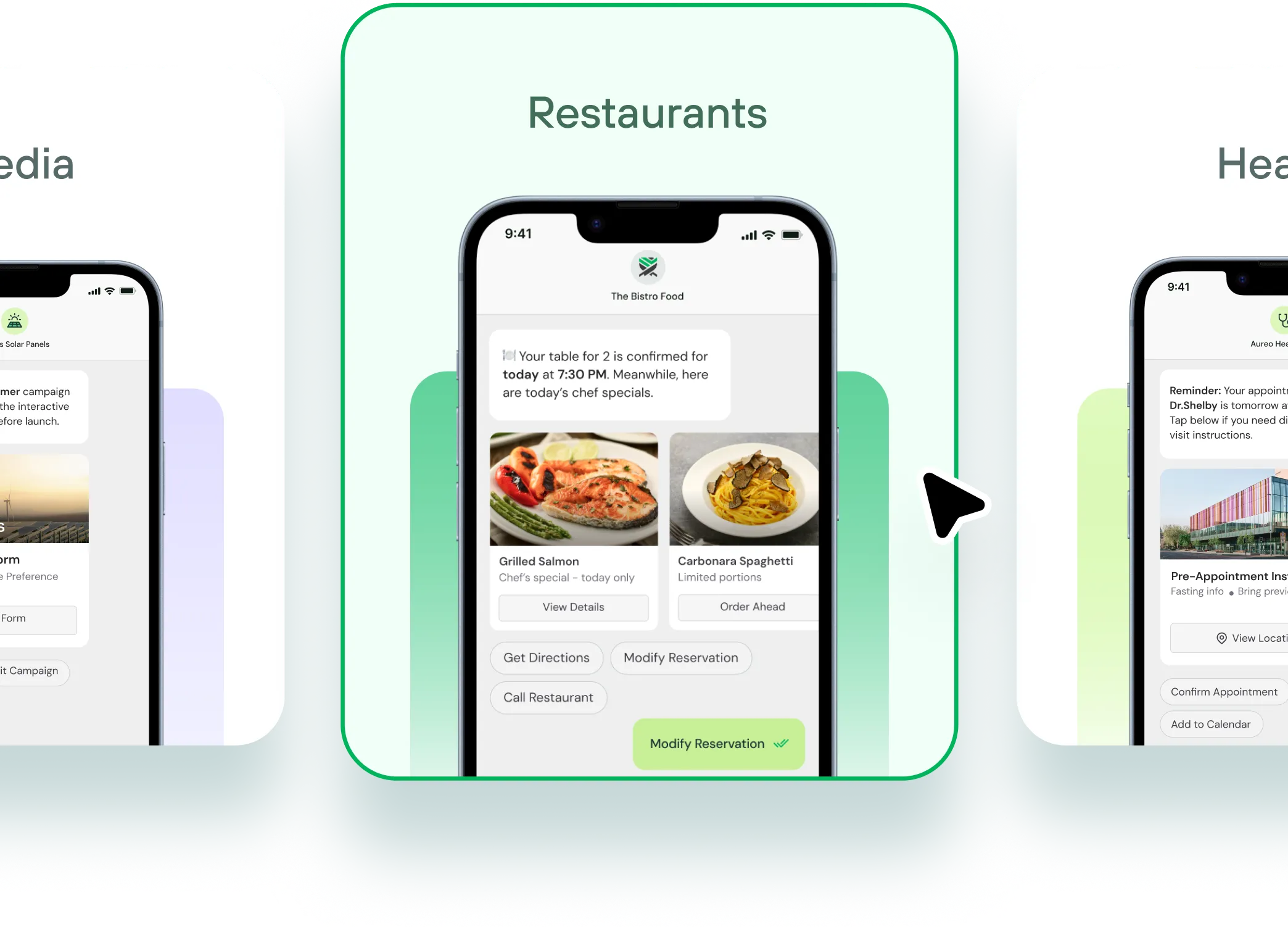
Pre-Built Templates
Skip the blank canvas. Browse templates for product launches, cart recovery, event invites, surveys, and more. Launch campaigns in minutes.
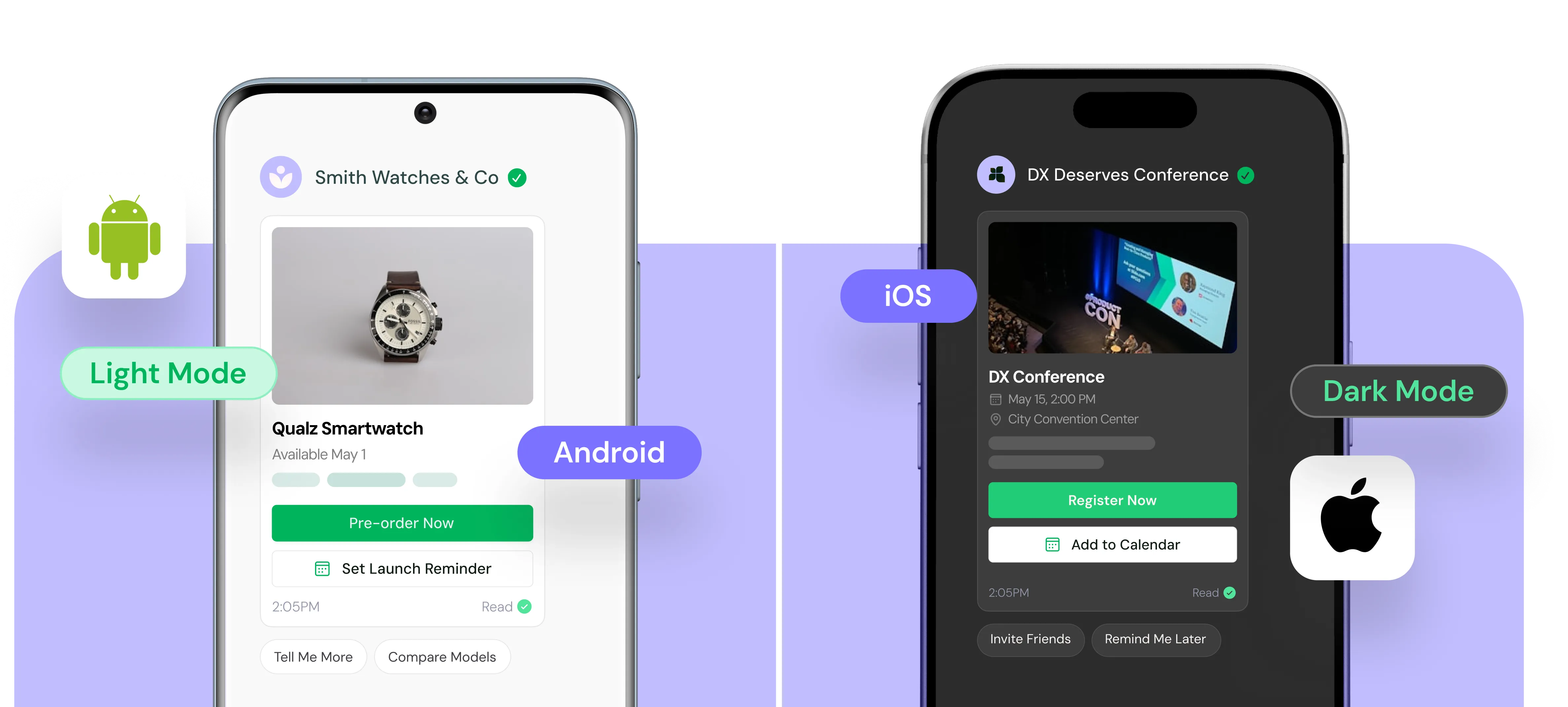
Multi-Device Testing
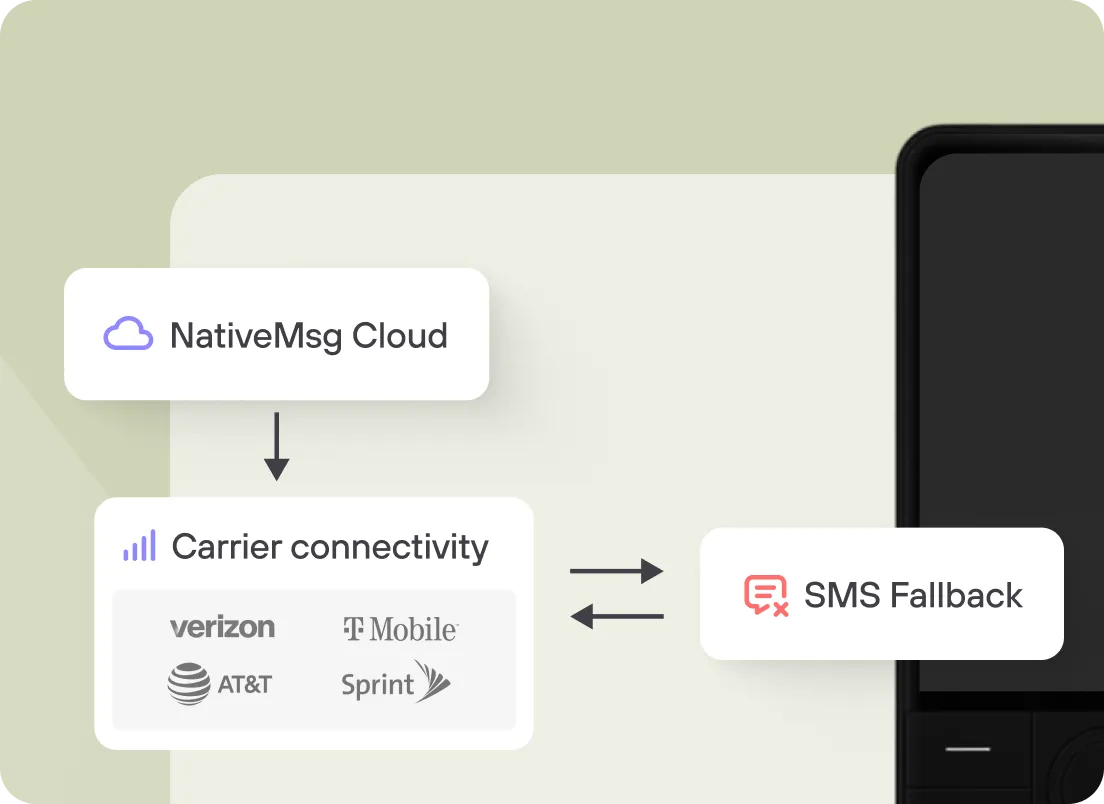
Real-time testing on Android and iOS. Test interactions. Toggle light/dark mode. Verify fallback appearance for non-RCS devices.

How It Works
Campaign Creation Workflow with nativeMsg
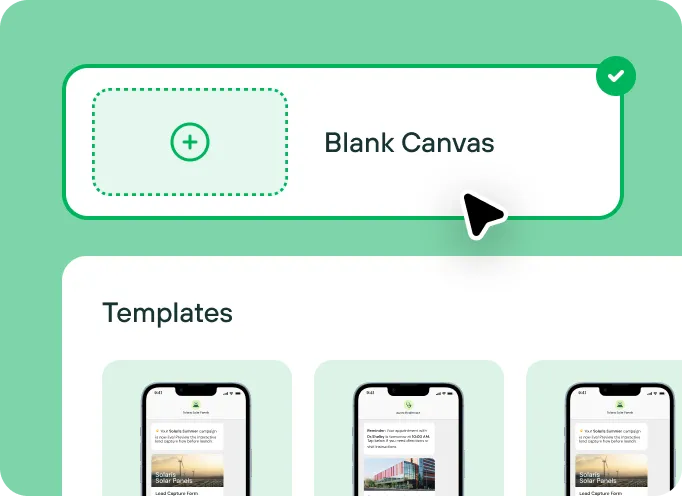
Choose Your Starting Point
Browse pre-built templates or start with a blank canvas. Duplicate existing campaigns to create variations.
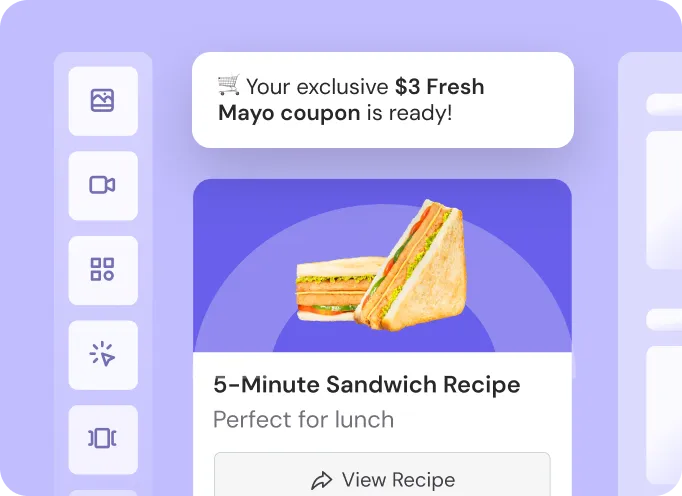
Build Your Message
Add images, videos, carousels, buttons, forms. Insert personalization merge fields.
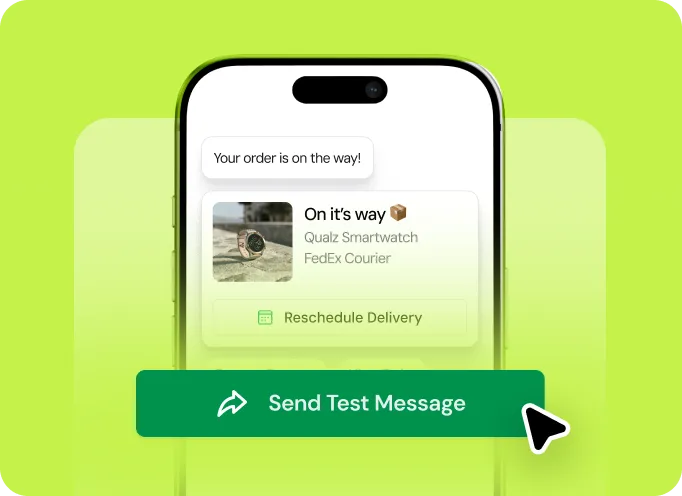
Preview & Test
Test interactions by clicking buttons and swiping carousels. Send test messages to your phone.
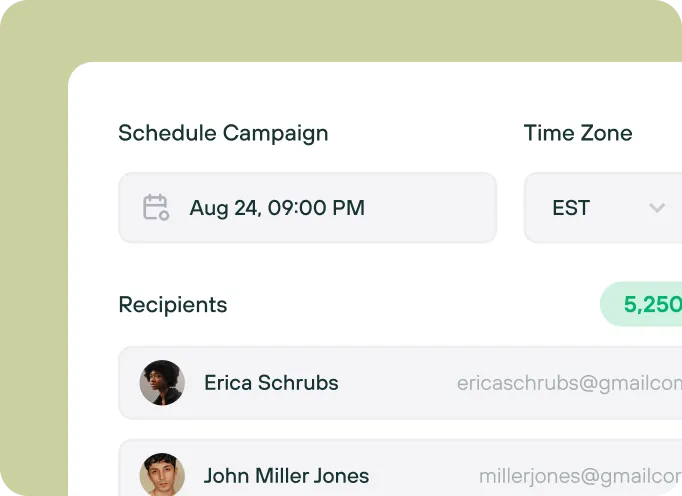
Set Audience & Schedule
Select recipient segments. Choose send time and timezone. Configure drip sequences for multi-message campaigns.
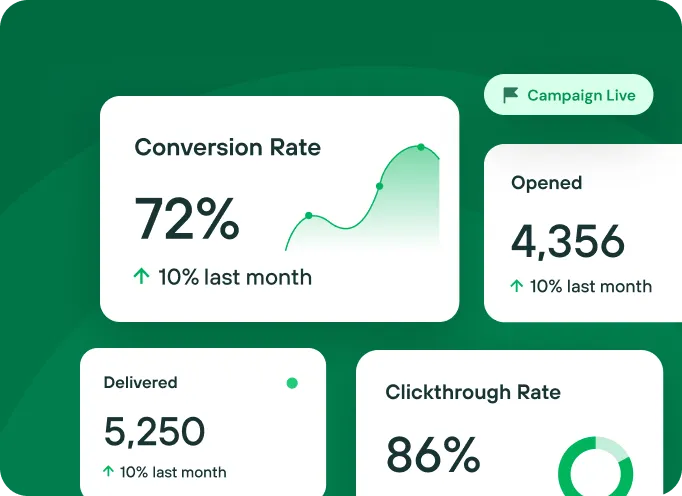
Launch & Monitor
One-click publish deploys campaign. Watch real-time metrics for delivery, opens, clicks, conversions and optimize future campaigns.

3 Simple Steps
Build, Deliver, and Scale RCS for Business
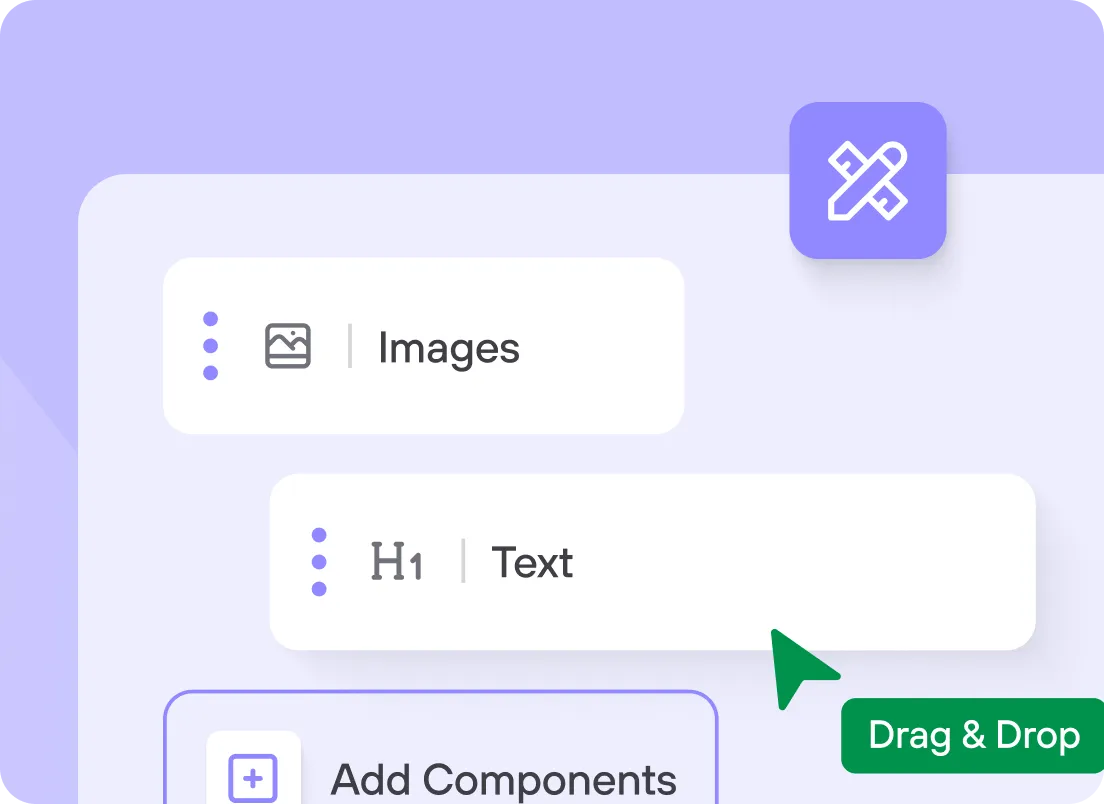
Create
Drag and drop your way to interactive campaigns with rich media, carousels, buttons, and conversational flows.