
Table of Contents:
Your guests already text. They text to say they're running late, to ask whether you have gluten-free options, and to find out if their pickup order is ready. Text message marketing for restaurants works best when it fits into that habit instead of interrupting it.
This guide follows the full guest journey, from the first scan of a table tent to the one-tap reorder three weeks later. It covers how to build your list (inbound) and what to send once you have one (outbound).
What is SMS marketing for restaurants?
SMS marketing for restaurants means sending texts to guests who've opted in: specials, offers, waitlist alerts, reservation reminders, and loyalty updates.
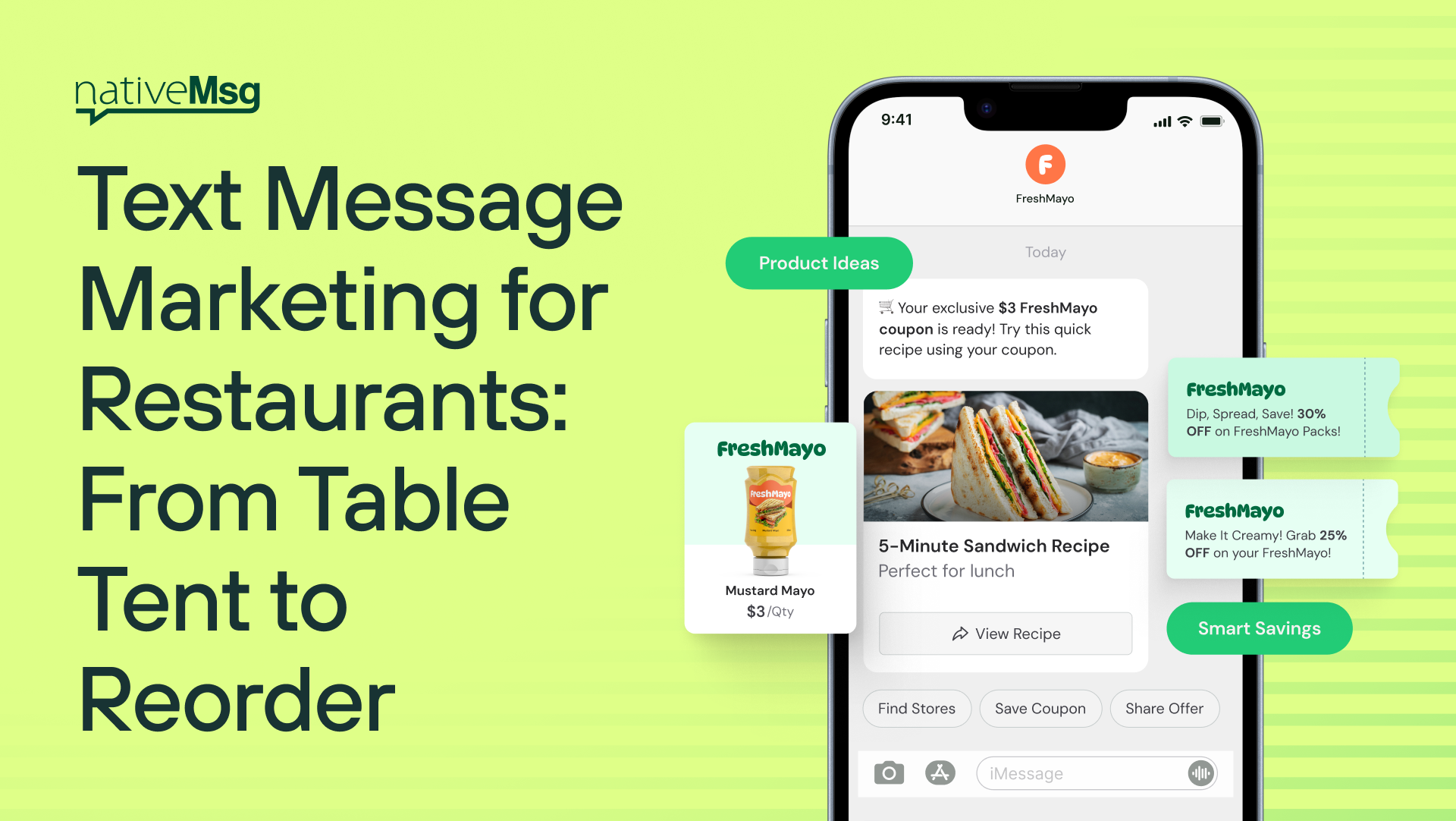
Traditional SMS is plain text, and most restaurant texts end up looking the same: "Show this text for 10% off. Reply STOP to opt out." RCS upgrades that. Messages arrive from your verified restaurant name and logo, with photos of the food, menus customers can swipe through, and buttons to order, book, or claim an offer without leaving the conversation.
How do restaurants build a text list?
The best subscribers are guests who are already in the room, holding their phones. Every surface they touch is an entry point.
Inbound entry points that work:
- Table tents: "Scan for tonight's dessert on us."
- Menus: "Scan to see today's specials."
- Receipts: "Scan for $5 off your next visit."
- Takeout bags and delivery packaging: "Scan to reorder in one tap next time."
- Window signage: "Scan to join the waitlist from the sidewalk."
- Your ads and search listings: "Tap to message us."
Each QR code opens a branded conversation, not a landing page. The guest gets the offer right away, and opt-in happens inside the flow. There's no form to fill out and no app to download.
Table tent ideas that get scans: Give something tonight rather than someday. "Free dessert tonight" beats "Join our VIP list." Make the reward specific, make it immediate, and put the QR code where a guest's eyes land while they wait.
Try it: "When a guest scans the table tent, welcome them, offer a free dessert tonight with a photo, ask permission to send future specials, and show a code for the server."
8 restaurant text message marketing ideas
1. Waitlist: "Your table is ready"
When the table opens, send a branded message with three buttons: On my way, Need 5 more minutes, Cancel. Guests can wait at the bar or down the street instead of crowding the host stand, and you know right away whether to hold the table or move to the next party.
Try it: "When the guest's table is ready, tell them and give buttons for 'On my way,' 'Need 5 more minutes,' and 'Cancel.' If they cancel, notify the host stand."
2. Reservation reminders
A reminder the day before with Confirm, Change time, and Cancel buttons. Early cancellations can be offered to the waitlist. Our appointment reminder templates work the same way for reservations.
3. Daily specials guests can order from
Instead of "Today's special: short rib, $24," send a swipeable carousel with photos of the day's specials and an "Order for pickup" button on each one.
Try it: "Show a carousel of three daily specials with photos and prices. Each one gets an 'Order for pickup' button and a 'Reserve a table' button."
4. Fill slow nights
Every restaurant has a Tuesday. Send a targeted offer to guests who haven't visited in a month: "Tuesdays are quiet. Come in tonight and your appetizer is on us." Add a Reserve button and a "Not tonight" quick reply so you learn who's interested.
5. A loyalty program in the thread
Skip the punch cards and the app nobody downloads. Guests check their points balance, see available rewards, and redeem them right in the conversation. After each visit, send a quick update: "You're 2 visits from a free entrée."
Try it: "Show the guest their loyalty points balance on a card, list the rewards they can claim, and let them redeem one with a button that shows a code for the server."
6. One-tap reorder
For takeout and delivery regulars: "Craving your usual? Reorder the Friday pizza night order?" with the order details and Reorder and Change my order buttons.
7. Feedback and reviews
An hour after the visit, ask for a tap-to-answer rating. Happy guests get a review link, and unhappy guests get a manager's attention before they post publicly. See Text Message Surveys Customers Actually Finish for the full flow.
8. Birthday and anniversary offers
Ask for a birthday month during opt-in (one tap, not a form), then send a celebration offer the week before with a Reserve button.
How often should restaurants text guests?
Often enough to be useful, and rarely enough that each message is welcome. The easiest way to get it right is to ask. Let guests pick their frequency with a quick reply during opt-in, such as "Weekly specials" or "Only the big deals."
Beyond that, send when there's a reason: a table is ready, a special is new, a reward is available, or a slow night needs filling.
SMS vs. RCS for restaurants: what's the difference?
With plain SMS, guests see text from a number, a link, and a coupon code to show the server.
With RCS, guests see your restaurant's name and logo, photos of the food, menus and specials they can swipe, and buttons to order, reserve, redeem, or reply.
You don't have to pick one. With nativeMsg, guests whose phones can't receive RCS automatically get your message by SMS or MMS, so every guest on your list is covered.
Does it connect to my restaurant's systems?
If your POS, online ordering, reservation, or waitlist system can send a webhook or connect to an API, it can trigger a branded conversation. A table opening triggers the waitlist message, a completed order triggers the feedback request, and a reservation triggers the reminder. Guest answers flow back into your systems the same way.
Frequently asked questions
Is SMS marketing good for restaurants?
Yes. Texts reach guests on the device they already have in hand, and the most useful restaurant messages, like table-ready alerts and reservation reminders, are ones guests actually want.
How do I get restaurant customers to sign up for texts?
Put QR codes on table tents, menus, receipts, and takeout bags, and offer something immediate for scanning, like a free dessert tonight.
Do guests need to download an app?
No. Everything happens in the phone's default messaging app.
Do guests need to opt in?
Yes. Guests should agree to receive texts from you, and every message should offer a way to opt out. Check your specific requirements with your compliance team.
Build your first restaurant experience free
Start with the table tent. Paste the prompt from the list-building section into ExperienceAI, scan the QR code with your own phone, and see what your guests will see, in minutes. No card and no sales call.