
Table of Contents:
Your customers already text. They’d rather send a quick message than wait on hold or dig through a help center. An SMS chatbot meets them there, answering questions, booking appointments, and checking orders at any hour.
But most text bots still work like it’s 2010. Customers have to type an exact keyword, the bot misreads anything else, and every useful answer ends in a link. This guide covers what SMS chatbots do well, where plain-text bots fall short, and what changes when you add buttons, carousels, and AI.
What is an SMS chatbot?
An SMS chatbot is an automated program that holds two-way text conversations with customers. It reads incoming messages and replies based on rules, AI, or both.
There are two main types:
- Rule-based bots follow a script. A customer replies with a keyword or number, and the bot sends the matching response. They’re predictable and easy to control, but they break when a customer says something unexpected.
- AI SMS chatbots use language models to understand what a customer means, even when they phrase it their own way. They handle open-ended questions better, but they need guardrails so they stay accurate and on topic.
Most businesses get the best results from a mix: AI to understand the question, and structured choices to move the customer toward an answer.
Where plain-text SMS bots fall short
Two-way SMS made chatbots possible, but plain text limits what they can do:
- Customers have to type. “Reply 1 for order status, 2 for returns” makes the customer do the work, and a typo stalls the conversation.
- Free text gets misread. A rule-based bot that expects “YES” doesn’t know what to do with “yeah sure.”
- Everything ends in a link. To show a product, a map, or a receipt, the bot has to send the customer to a website.
- It looks like every other text. A bot conversation from an unrecognized number looks a lot like a scam.
What changes when you add buttons
With RCS, the same chatbot can do a lot more inside the conversation:
- Quick-reply buttons let customers tap an answer instead of typing one.
- Carousels show products, appointment times, or options side by side.
- Images and video show the order, the product, or the instructions.
- A verified business profile puts your name, logo, and checkmark on the conversation.
- Typing indicators and read receipts make the exchange feel like a real conversation.
Customers whose phones don’t support RCS still get the conversation by SMS, with numbered options in place of buttons.
Here’s the same order-status bot both ways, for a fictional retailer, Juniper & Co.
Plain-text SMS bot:
Reply 1 for order status, 2 for returns, 3 to speak to an agent.
(customer types “1”)
Your order #48213 shipped. Track here: jnpr.co/t/48213
With buttons:
Juniper & Co. ✓
Hi Sam! What can we help with?
[Where’s my order?] [Start a return] [Talk to a person]
(customer taps “Where’s my order?”)
[Order card: product image, “Arriving Thursday,” tracking status]
[Track package] [Change delivery] [Something else]
The customer gets the answer in one tap and sees the next step without leaving the conversation.
5 SMS chatbot examples
1. Order status. Customers check where their order is, change delivery details, or start a return without contacting support.
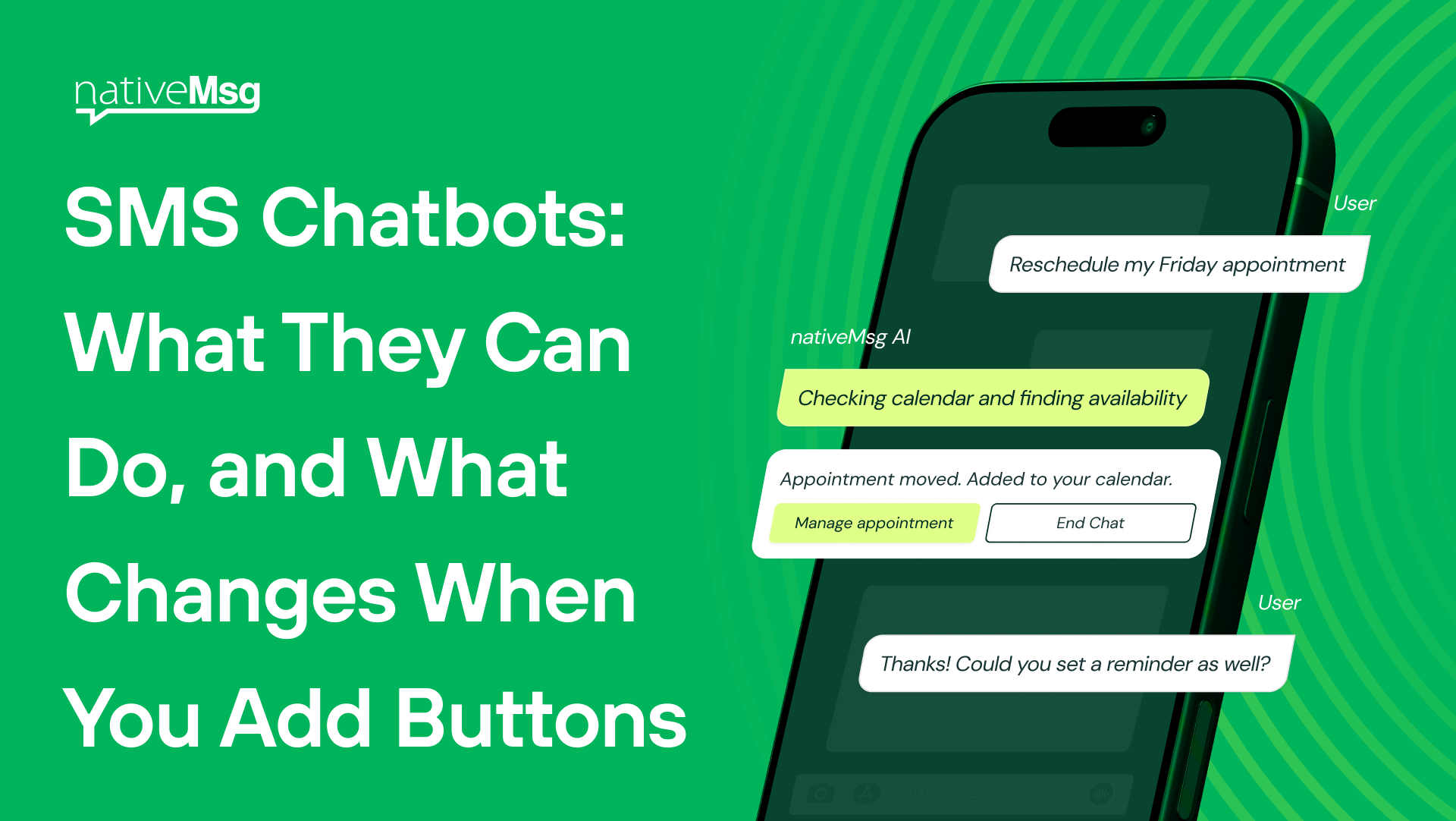
2. Appointment booking. The bot shows available times as buttons, confirms the booking, and sends reminders with Confirm, Reschedule, and Cancel options.
3. Lead qualification (inbound). An ad click or QR scan opens a conversation that asks two or three qualifying questions and books a call for prospects who are ready.
4. Customer support with handoff. The bot answers your most common questions and hands the conversation to a person when it can’t help. The customer never has to repeat themselves.
5. Reordering (outbound). The bot reminds customers when it’s time to restock a product they buy regularly and lets them reorder in one tap.
How to build an SMS chatbot
- Pick one job. Start with the single question your customers ask most, like order status or booking.
- List the top questions. Pull them from your support inbox or call logs, and focus on the ones that cover most of your volume.
- Design the buttons first. For every step, decide what choices the customer should see. Use typed input only where you need it, like an order number.
- Plan for free text. Customers will type anyway. Decide how the bot handles messages it doesn’t understand, and have it offer choices instead of a dead end.
- Build the handoff. Decide when the bot passes the conversation to a person, and make sure your team sees everything that’s already been said.
- Test on your own phone. Tap through every path the way a customer would before anyone else sees it.
With a builder like ExperienceAI, you can describe the bot in plain language, like “greet the customer, ask for their order number, show delivery updates, then offer support,” and get a working flow you can edit step by step.
SMS chatbot best practices
- Say it’s automated. Customers are more patient with a bot that’s upfront about being one.
- Always offer a person. Every conversation should have a clear way to reach your team.
- Keep it short. Ask one question at a time.
- Don’t trap customers in loops. If the bot fails to understand twice, hand off or offer choices.
- Only message people who opted in, and make opting out easy.
- Give AI guardrails. Limit an AI chatbot to the topics and information you’ve approved, and review conversations regularly.
What to measure
- Containment rate: conversations resolved without a person
- Handoff rate: conversations passed to your team, and why
- Completion rate: customers who finish the task they started
- Customer satisfaction: a one-tap rating at the end of the conversation
Frequently asked questions
What is an SMS bot?
An SMS bot, or SMS chatbot, is an automated program that holds text conversations with customers, answering questions and completing tasks like booking or order lookups.
What’s the difference between two-way SMS and an SMS chatbot?
Two-way SMS means customers can reply to your messages. An SMS chatbot is what responds to those replies automatically.
Are AI SMS chatbots better than rule-based bots?
AI understands open-ended questions better, while rule-based bots are more predictable. Many businesses combine them, using AI to understand the customer and buttons to guide them to an answer.
What is conversational SMS?
Conversational SMS is two-way texting where the business and customer exchange messages back and forth instead of the business only sending one-way alerts.
Will my chatbot work for customers without RCS?
Yes. Customers whose phones don’t support RCS receive the conversation by SMS, with numbered options in place of buttons.
Build your chatbot today
Describe the chatbot you want, send it to your own phone, and tap through every path the way your customers would, free.