
Table of Contents:
Look at why customers call your support line and you'll find the same handful of questions over and over. Where's my order? Can I change it? Can I reschedule? How do I return this? Why was I charged?
These questions have quick answers. Customers call anyway, because calling is often the easiest option available. SMS customer service gives them a faster one: answers by text, in the messaging app they already use, with a person available when they need one.
What is SMS customer service?
SMS customer service is support delivered through text messaging. Customers can start a conversation to get help, and businesses can reach out proactively when something needs attention. The best programs are fully two-way: customers ask, get answers right away, and can reach a person without switching channels.
What is call deflection?
Call deflection means resolving a customer's question through another channel so they never need to call. Done well, customers get faster answers, and your team spends phone time on the conversations that really need a voice.
The goal isn't to hide the phone number. It's to offer an option that's faster than waiting on hold.
Where should customers find "text us"?
Put a text entry point everywhere customers currently look for a phone number. These are your inbound entry points:
- Your phone menu (IVR deflection): "Press 1 to get help by text now." The caller hangs up and a branded conversation starts right away. Of all the entry points, this one has the most direct payoff.
- Contact and help pages: Add a "Text us" button next to the phone number.
- Order confirmation and shipping emails: "Questions about this order? Text us."
- Receipts and packaging: A QR code that opens a support conversation with the order already in context.
- Ads and search listings: "Tap to message us" for people with questions before they buy.
What support can you handle by text?
Start with your top call reasons. For most businesses, that includes:
- Order status: The customer enters an order number or picks from recent orders and sees a tracking card.
- Changes and cancellations: Change a delivery date, update an address, or cancel before shipping, using buttons.
- Returns and exchanges: Choose the item, choose a reason, and get the return label.
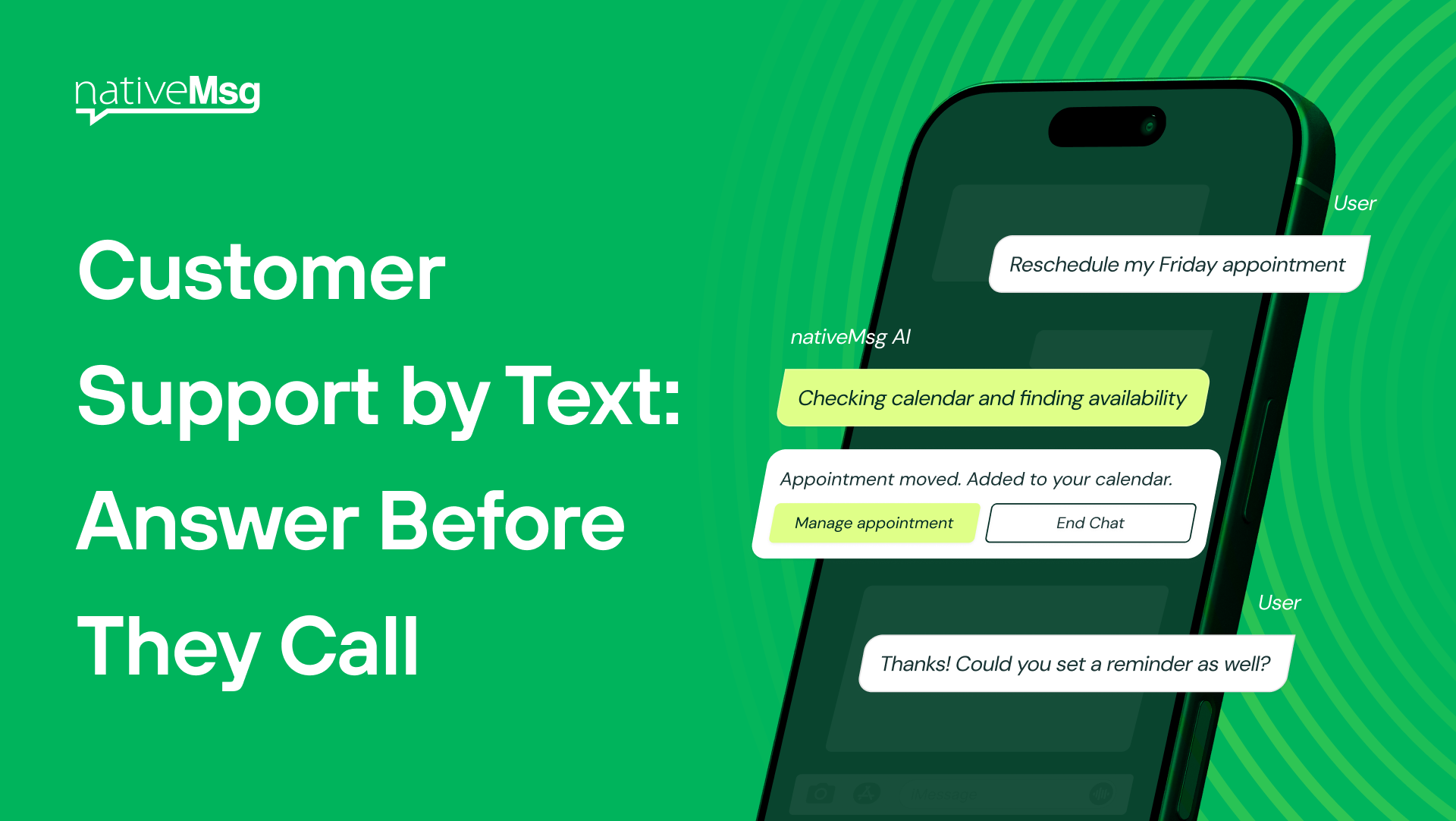
- Rescheduling: Pick a new appointment time from a carousel of open slots.
- Billing questions: See the charge, get an explanation, or pay a balance.
- FAQs: Hours, locations, policies, and product questions.
Try it: "Greet the customer and offer four options: track an order, start a return, change an appointment, or talk to someone. Ask for the order number when needed, and hand off to a support agent if they choose to talk to someone."
Proactive support: answer before they ask
The best support conversation is the one that starts before the customer has to reach out. Outbound messages can prevent calls entirely:
- Delivery delays: "Your order is running a day late. Want to keep it, change the delivery date, or cancel?"
- Service alerts: "We're aware of an outage in your area. Tap for updates." Customers who get this message don't call to report the outage.
- Appointment changes: "Your technician is running 30 minutes behind. Keep your slot or reschedule?"
- Payment issues: "Your payment didn't go through. Update your card or talk to billing."
Every one of these is a call that never happens, because the customer got the answer and the options before they had to ask.
Try it: "Tell the customer their order is delayed by one day, show the new delivery date, and give buttons to keep it, choose a different date, or cancel."
How do automation and people work together?
Conversational AI handles the repeat questions instantly, at any hour. For everything else, the conversation hands off to your team with the full history attached, so the customer never has to repeat themselves.
Three rules keep this working:
- Always show a "Talk to a person" option. Customers trust automation more when they know they can get out of it.
- Hand off with context. The agent should see what the customer already asked and answered.
- Let customers come back. Messaging doesn't hold anyone on the line. A customer can reply an hour later and pick up where they left off.
Two-way SMS vs. RCS for customer support
Two-way SMS works, but customers have to type everything, messages arrive from a number with no brand identity, and order details come through as plain text or a link.
RCS support comes from your verified brand name and logo. That matters, because customers are increasingly unsure whether a text claiming to be from a company is real. Options appear as buttons, order details appear as cards, and returns and reschedules happen inside the thread.
With nativeMsg, customers whose phones can't receive RCS automatically get the conversation by SMS, so every customer can text you.
How do you measure SMS customer service?
- Deflection rate: the share of text conversations resolved without a call
- Time to resolution: how long it takes from first message to answer
- Handoff rate: how often the conversation needs a person, and for which topics
- Customer satisfaction: a one-tap rating at the end of each conversation (see Text Message Surveys Customers Actually Finish)
Watch the handoff topics closely. The questions that most often reach a person are the next ones to automate.
Does it connect to my helpdesk?
If your helpdesk, CRM, order system, or scheduler can send a webhook or connect to an API, it can start conversations, look up order details, and receive handoffs. Every conversation flows back into your systems, so support history stays in one place.
Frequently asked questions
Is SMS customer service secure?
Messages from a verified sender are harder to impersonate than plain texts. As a best practice, never ask customers to send passwords or full payment card numbers by text. Send them to a secure step instead.
Can customers text support after hours?
Yes. Automated answers work any time, and anything that needs a person can be queued for your team with the context attached.
What's the difference between SMS customer service and live chat?
Live chat usually requires the customer to stay on your website. Text conversations happen in the customer's messaging app, so they can step away and reply when it suits them.
What if a customer's phone doesn't support RCS?
The conversation automatically happens by SMS instead.
Build your support menu free
Paste the first prompt above into ExperienceAI, then text your own support line from your phone to see what customers will see. It takes minutes, with no card and no sales call.