
Table of Contents:
Using RCS for lead generation uses verified, two-way messaging to turn inbound interest from QR codes, ads, and links into qualified leads inside the customer's default messaging app they already use. It drives higher engagement than SMS or email, needs no app downloads, and feeds leads straight into your CRM.
Most lead capture still depends on a form the prospect has to find, trust, and fill out. RCS replaces that with a conversation. Here's why it converts, what an effective flow looks like, and how to start.
Why RCS works for lead generation
Three things make RCS a strong fit for capturing leads:
- It lives where attention already is. People constantly check their messaging app notifications throughout the day, and that’s where RCS lives. They don’t have to download a new app they won’t use or register for anything to use it. That removes the friction that quietly kills form conversions.
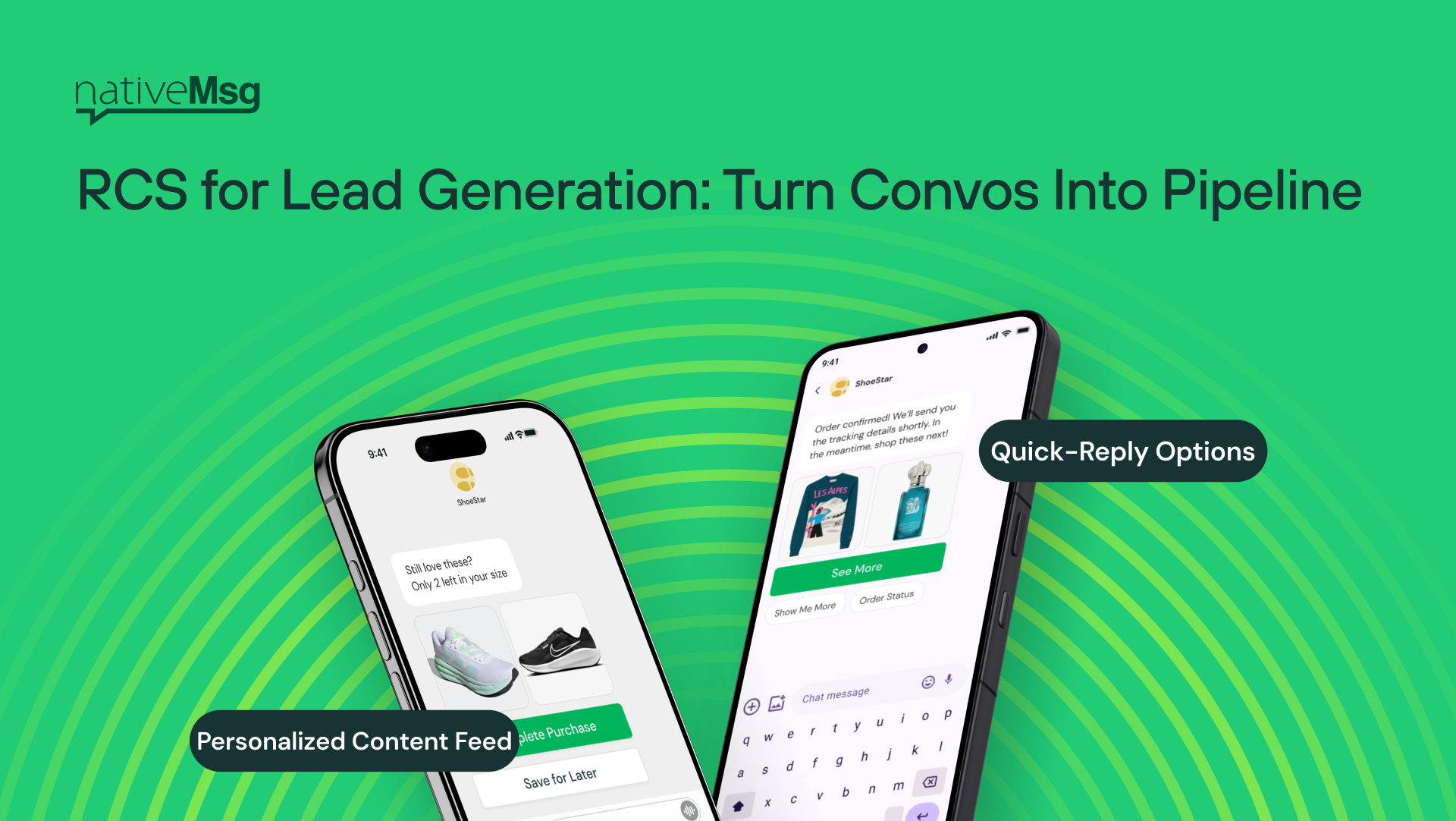
- It's a two-way conversation, not a one-way blast. Your customers can ask questions, swipe through different options, and respond based on the answer, using media like image carousels, short videos, and action buttons to move the conversation forward.
- It's verified. Your brand name and logo are confirmed before the customer or prospect reads a word, so the conversation starts with trust instead of suspicion. Span messages are gaining popularity, and RCS will help your viewers know that it’s really you.
Compared with SMS, which is limited to plain text, and email, where most messages are never opened, RCS combines reach with engagement. The result is a capture experience that feels like a chat, not a chore.
Inbound vs. outbound lead generation
It helps to be precise about direction, because they solve different problems.
Inbound lead generation is customer-initiated. The prospect makes the first move so they’ll scan a QR code, tap an ad, or click a link. Once they do, a verified RCS conversation opens.
Outbound is brand-initiated, and it's where our nativeMsg product comes in. You can use it to nurture the leads you've already captured with offers, reminders, and follow-ups. The two work as a loop: capture inbound, nurture outbound, and keep the whole conversation in one channel.
Which channels feed RCS lead capture?
Any touchpoint where a prospect can take an action can route into an RCS conversation:
- QR codes on signage, packaging, print, or screens
- Paid ads with a click-to-message action
- Links in bios, emails, and landing pages
- On-site prompts that invite a message instead of a form fill
The common thread: instead of sending interested people to a static form, you send them into a conversation that can qualify and capture at the same time.
What a high-converting RCS lead flow looks like
A strong inbound flow tends to follow the same shape:
- A clear entry point. A QR code or ad with an obvious reason to start — an offer, an answer, a quick way to book.
- An opening message that earns the next tap. Lead with value: the offer, the appointment slot, the answer to the question they came with.
- Conversational capture. Collect consent and the details you actually need, one easy step at a time, rather than a wall of fields.
- Qualification with suggested replies. Tappable options let prospects self-select — interest, timing, product fit — so your team knows who's ready.
- A clean handoff. Route the qualified lead and everything it learned straight into your CRM.
How captured leads connect to your CRM
A lead is only useful if it lands where your team works. RCS lead capture syncs the conversation and the contact straight into your CRM, so there's no manual export and nothing falling through the cracks. The lead arrives qualified, attributed, and ready for follow-up. (More on connecting RCS to your CRM.)
That connection is also what makes the outbound loop possible: once a lead is in the CRM, you can nurture it automatically based on what the conversation already learned.
How to measure ROI
Judge an RCS lead program the way you'd judge any channel, with a few metrics that suit conversation:
- Engagement rate — how many people who entered actually responded
- Qualified leads — not just volume, but leads that met your criteria
- Cost per qualified lead — against your existing channels
- Conversion to pipeline or revenue — the number that matters most
Because the whole exchange is two-way and logged, attribution is cleaner than with channels where you only see opens and clicks. That’s where the real value lies.
Getting started
You don't need a new tech stack to start, you just need a clear entry point and a conversation worth having. Book a demo and we'll map it to your use case.
Frequently asked questions
Can you generate leads with RCS? Yes. RCS turns inbound interest — from QR codes, ads, and links — into a verified conversation where you capture consent and contact details directly, with no form or app download required.
Is RCS better than SMS for lead generation? RCS adds what SMS can't: a verified sender, two-way conversation, and media like carousels and action buttons. SMS is limited to plain text, which makes conversational capture far harder.
Do customers need an app to become a lead through RCS? No. The conversation happens in the default messaging app already on their phone.
How do RCS leads get into my CRM? Captured leads and their conversation context sync directly into your CRM, so they arrive qualified and ready for follow-up without manual work.